VJoy

A Free Virtual Joystick Driver For Windows
What is Vjoy?
VJoy is a free and open-source virtual joystick driver that transforms your keyboard and mouse into fully customizable gaming controllers, designed for Windows PC users who want ultimate input flexibility.
VJoy gives you the ability to translate keyboard and mouse inputs into joystick commands, enabling you to play any game that requires a controller even if you don’t own one. With support for up to 4 virtual joysticks, each featuring 16 axes and 32 buttons, VJoy offers outstanding customization and control for gamers and developers.
VJoy is developed using C++ by Shauleiz and maintained by its passionate community. The source code is available on GitHub, where developers and gamers collaborate to keep VJoy innovative, secure, and feature-rich. This transparency ensures you’re using a tool that’s trusted by thousands worldwide.
Are you ready to experience gaming without the limitations of your current input devices? Download Now!
Vjoy
Download Vjoy
Vjoy || v2.1.8 || 10.1MB
Why Vjoy?
If you’re a gamer, you’ve likely faced frustrating situations such as:
- Games that require a joystick or controller when you only have a keyboard
- Limited compatibility between your input devices and the games you want to play
- Expensive controller purchases just to play specific titles
- Complex workarounds to remap your keyboard inputs
VJoy solves all these problems and more by providing you with a powerful and flexible virtual joystick driver that lets you transform any input device into a game controller. With VJoy, you can:
- Play controller-exclusive games using just your keyboard and mouse
- Create custom control schemes tailored to your preferences
- Support multiple virtual joysticks simultaneously for advanced setups
- Develop games that require joystick input without needing physical hardware
- Enjoy complete freedom in how you interact with your games
VJoy is not just a tool, it is a game-changer. VJoy gives you the freedom and control to play any game, your way.
Features Of Vjoy
VJoy is packed with powerful features designed to give you complete control over your gaming experience. Here are some of the core functionalities that VJoy offers:
Virtual Joystick Driver
This is the heart of VJoy. It creates virtual joystick devices that your games recognize as real controllers. VJoy bridges the gap between any input device (keyboard, mouse, or even other controllers) and applications that require joystick input. The driver translates your keyboard presses and mouse movements into authentic joystick commands, making games think you’re using a real controller.
Multiple Virtual Joysticks
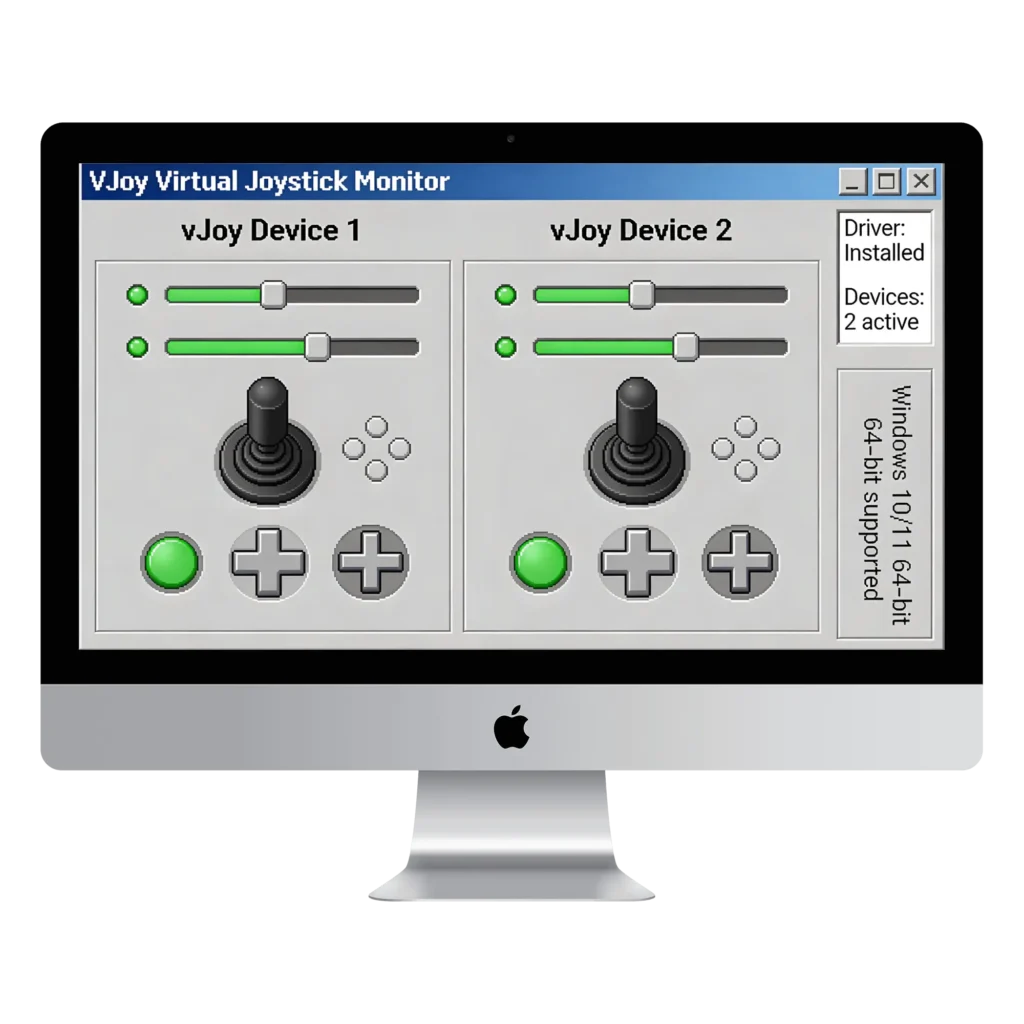
VJoy allows you to create and configure up to 4 distinct virtual joysticks simultaneously. This means you can run multiple game instances with different control configurations, or create complex input setups for advanced gaming scenarios. Whether you’re testing games or setting up a unique control system, VJoy has the flexibility you need.
Highly Configurable Input Mapping
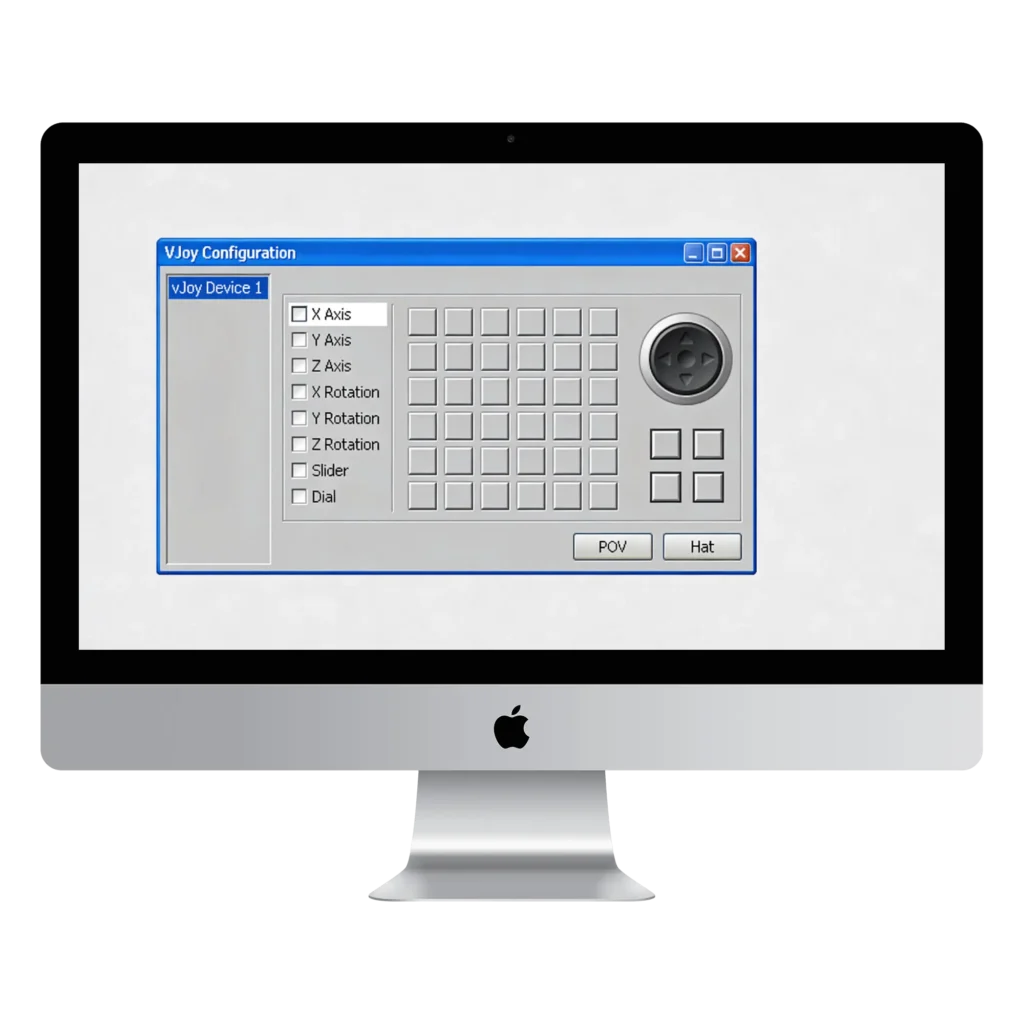
Each virtual joystick supports 16 axes and 32 buttons, giving you extensive customization options. You can map any keyboard key or mouse action to any joystick button or axis. The configuration tool makes it simple to assign buttons, adjust sensitivity, invert axes, and fine-tune every aspect of your control setup without needing advanced technical knowledge.
Custom Key Mapping

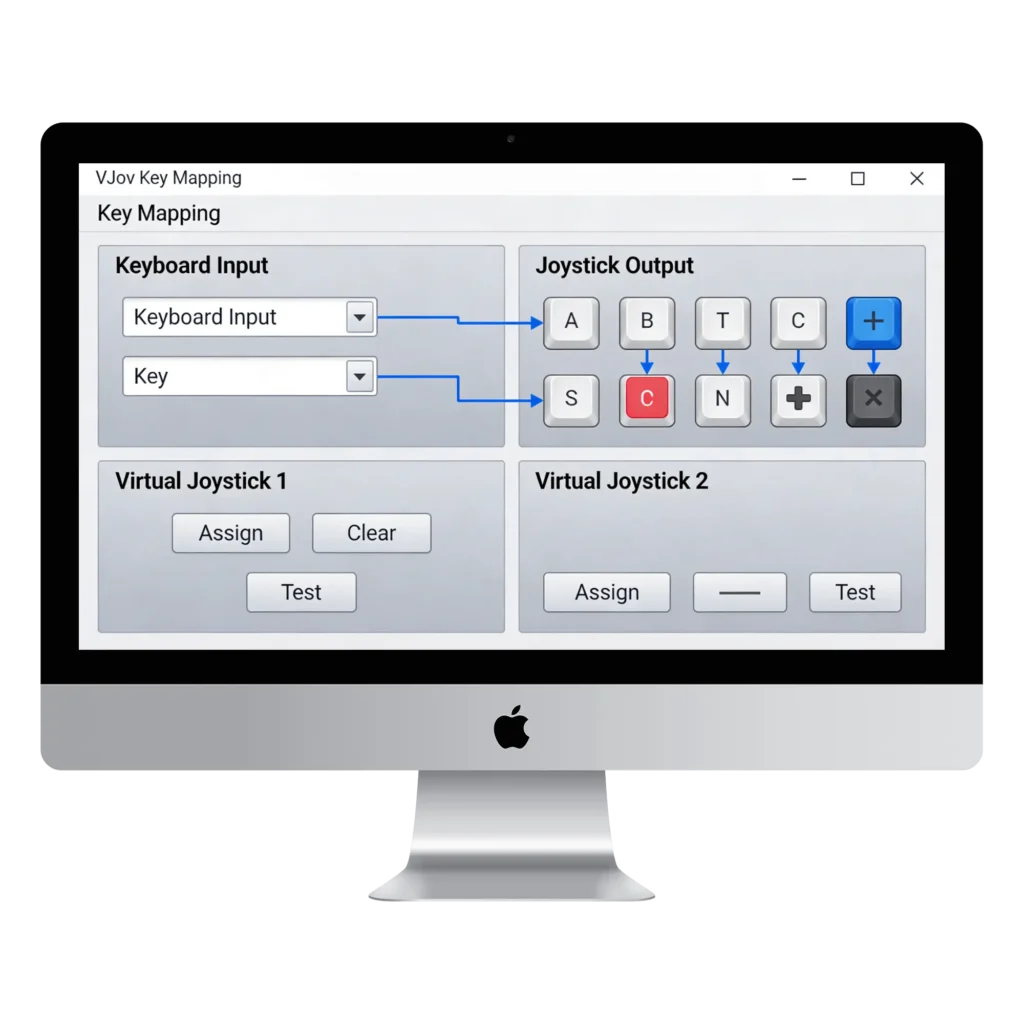
Map any keyboard key to any joystick input. VJoy’s keymapping feature lets you assign WASD to joystick axes, number keys to buttons, mouse movements to analog sticks, and much more. Create profiles for different games and switch between them effortlessly. Your gaming, your rules.
Developer-Friendly
If you’re developing games or applications that require joystick input, VJoy is invaluable. It provides sample code that you can integrate into your projects, eliminating the need for actual hardware during development and testing. VJoy supports both 32-bit and 64-bit systems, ensuring broad compatibility with modern applications.
Persistent Configuration
Save your custom joystick configurations and load them whenever you need them. VJoy remembers your settings, so you can quickly switch between different control schemes for different games without reconfiguring everything each time.
Screenshots
FAQ
Does vJoy detect my physical joystick or gamepad?
A) vJoy only creates virtual joystick devices. You need Joystick Gremlin to map your physical controller inputs to these virtual devices. vJoy is an empty container; other software like Joystick Gremlin, fills it with your real controller inputs.Why don’t I see any vJoy devices in joy.cpl after installation?
A) Open “Configure vJoy,” enable at least one device, set your axes and buttons, then do a full system restart. The devices will appear in joy.cpl after this.Will installing vJoy interfere with my existing controllers?
A) Disconnect all physical controllers before installing vJoy. If conflicts occur, use HidHide to hide devices or check for recent Windows updates. Proper installation prevents most conflicts.Can I trust that vJoy is safe and not malware?
A) vJoy is open-source on GitHub with publicly available code. The community has used it safely for years. Download only from the official Website to avoid modified versions.Do I need Joystick Gremlin to use vJoy?
A) Joystick Gremlin maps your physical controller to the virtual vJoy device. This lets you combine multiple controllers, apply curves, and hide physical devices. Without it, vJoy receives no inputs and is useless for gaming.Conclusion
VJoy is a free virtual joystick driver that lets you use your keyboard and mouse as a game controller. If you want to play games that require a joystick but don’t have one, VJoy is the solution.
It’s simple to install, easy to configure, and works with thousands of games. VJoy is open-source, lightweight, and completely free. No hidden costs, just pure control over your gaming experience.
You don’t need expensive hardware to play the games you want. VJoy gives you that freedom right now. Download VJoy today and start playing.
Want to keep up with all the latest Vjoy drops and updates? Make sure to bookmark our website! It only takes a moment, and it means the world to us. While you’re at it, come hang out in our Discord you’ll meet fellow gamers, trade setup tips, and join a thriving network of simulation enthusiasts. Seriously, you don’t want to skip this! 💥